Creating Supa Schema
Architecting a Secure, Native Database Visualizer & Schema Manager
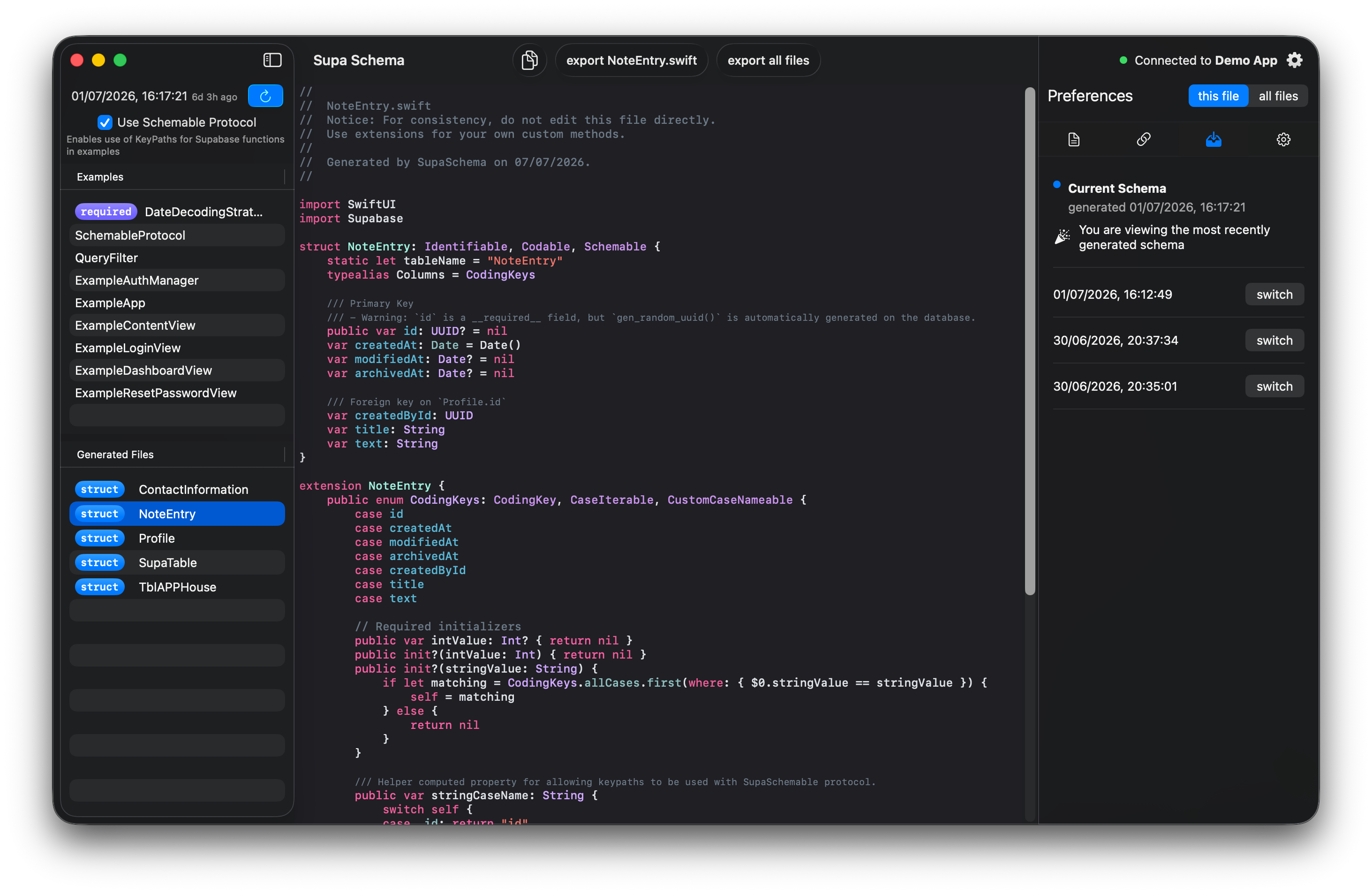
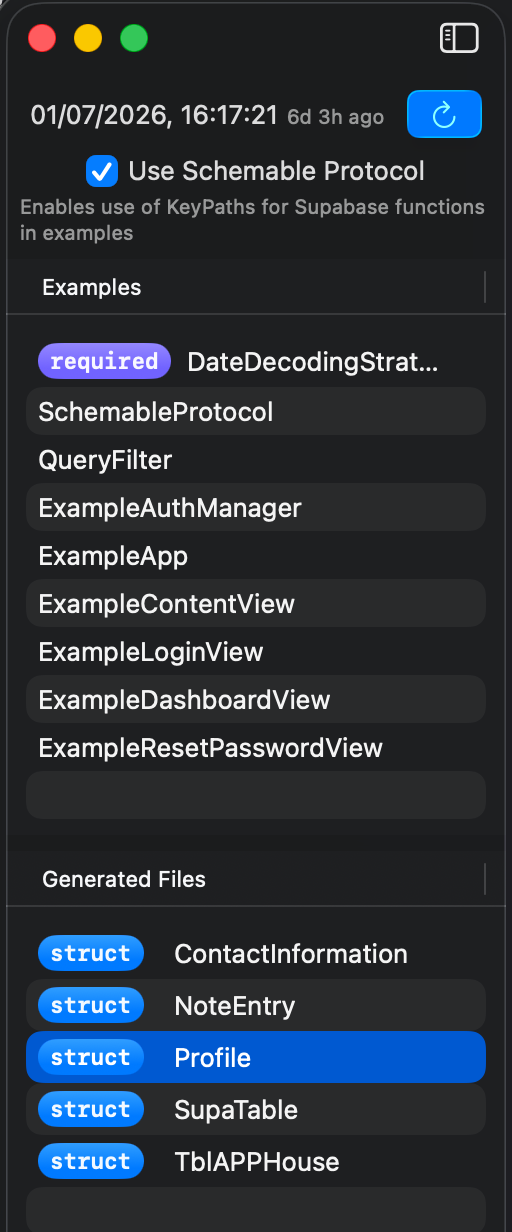
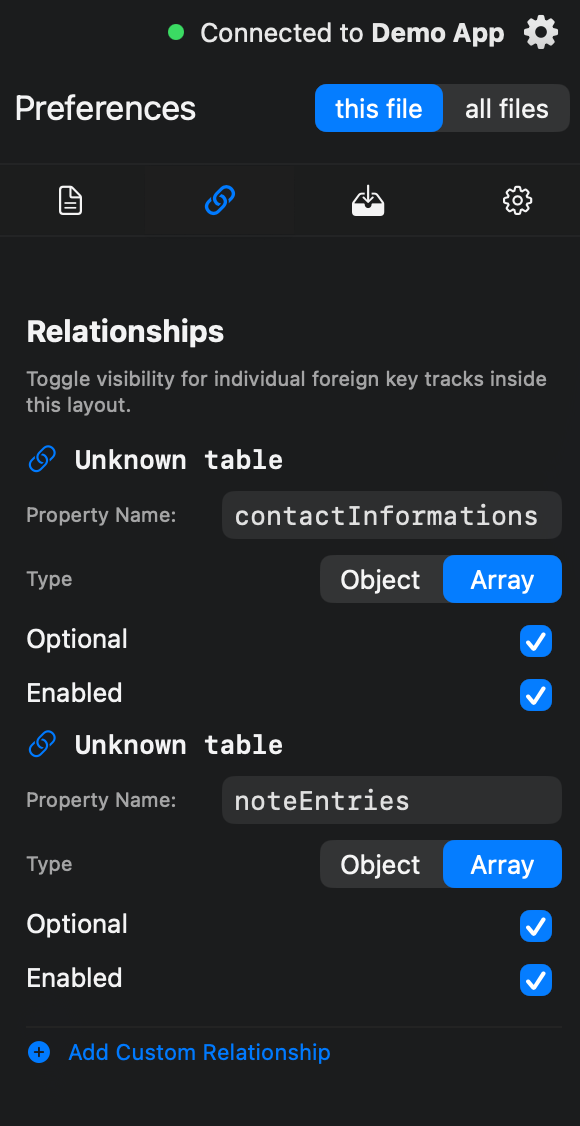
Supa Schema was born out of a developer-centric necessity: the lack of a lightweight, blazing-fast, and deeply native tool to visualize, map, and manage Supabase database schemas on Apple platforms. While web-based dashboards offer broad feature sets, they often suffer from high memory overhead, latent connection states, and a lack of system-level integration.
Supa Schema solves this by operating as a dedicated companion app for Supabase power users. It establishes a direct pipeline to remote PostgreSQL instances, parses intricate relational maps, and translates complex raw table schemas into an intuitive, visually stunning interface. The mission was clear: maximize performance and data integrity while maintaining a zero-trust local environment for sensitive database credentials.
Technical Architecture & Implementation
To provide a genuinely native experience, the application was built from the ground up prioritizing low-latency database rendering, secure credential handling, and highly responsive UI updating.
Direct PostgreSQL Interfacing
Rather than relying on third-party HTTP/REST intermediate layers, Supa Schema builds raw, stateful connections directly to the underlying Supabase infrastructure. I utilized PostgresClientKit to establish a direct Socket connection over SSL to the remote database instance. This allowed the app to run complex internal catalog queries against information_schema tables, yielding sub-millisecond execution times for pulling live database states, view schemas, and relationship constraints.
Zero-Trust Keychain Storage
Security is paramount when handling production database connection strings, passwords, and API keys. To ensure enterprise-grade security, Supa Schema stores all sensitive configuration data locally on the user’s device using Apple’s native Keychain Services API.
- Connection credentials never touch standard
UserDefaultsor unencrypted local files. - Implemented strict access control flags (
kSecAttrAccessibleAfterFirstUnlockThisDeviceOnly) to prevent sensitive schemas from syncing over unencrypted backups, ensuring data isolation.
Highly Dynamic Schema Parsing
Parsing raw PostgreSQL table definitions, foreign key constraints, and enum types into a readable data format required a resilient, modular architecture. I engineered a custom asynchronous data pipeline that safely transforms raw query rows returned by PostgresClientKit into strongly typed Swift data models, feeding into a reactive UI state engine seamlessly.
Core Engineering Challenges & Solutions
Challenge 1: Thread Management & Connection Pooling
The Problem: Direct database operations via sockets are blocking by nature. Executing large schema lookups or data introspection queries directly on the main thread caused noticeable frame drops and UI freezes in SwiftUI.
The Solution: I abstracted the entire connection state into an isolated DatabaseActor framework. Utilizing Swift Modern Concurrency (async/await), all raw execution lines, row mappings, and socket handshakes are explicitly context-switched to background threads, maintaining a guaranteed 120Hz scrolling and UI responsiveness.
Challenge 2: Handling Complex Postgres Relational Mappings
The Problem: Translating relational constraints (One-to-Many, Many-to-Many) into a clear visual tree without compounding query execution counts (avoiding the classic $N+1$ query problem).
The Solution: I wrote optimized, multi-join system queries that pull table attributes, primary keys, and foreign constraints simultaneously in a single round-trip payload. The data is then stitched together on-device using custom graph-sorting algorithms to resolve dependency hierarchies efficiently.
User Interface & Schema Visualization
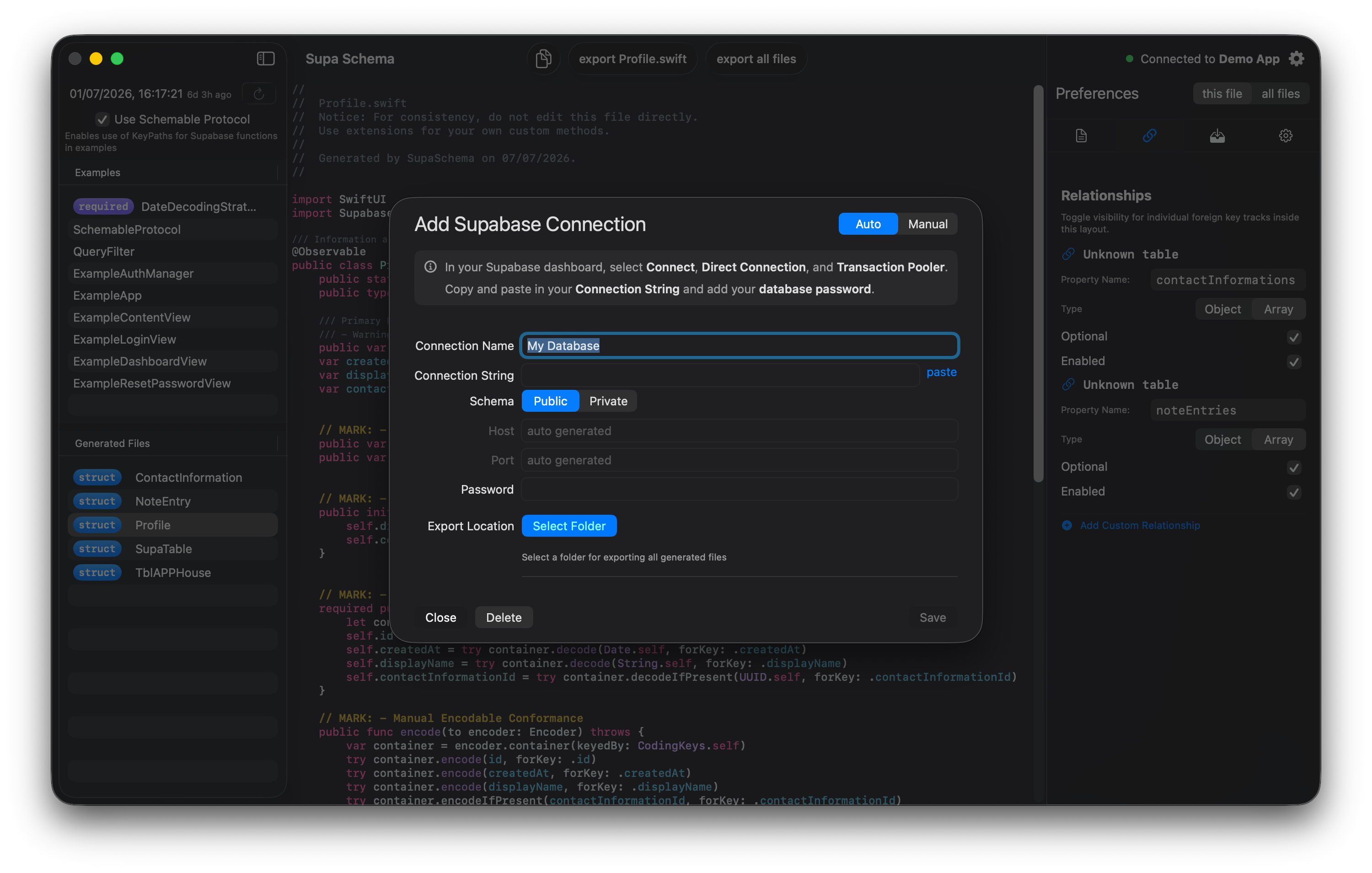
Database Connection Dashboard
The first touchpoint of the application utilizes a multi-step setup interface that safely checks connection parameters in real-time before granting entry, saving validated tokens directly to the secure hardware element.
Interactive ERD & Table View
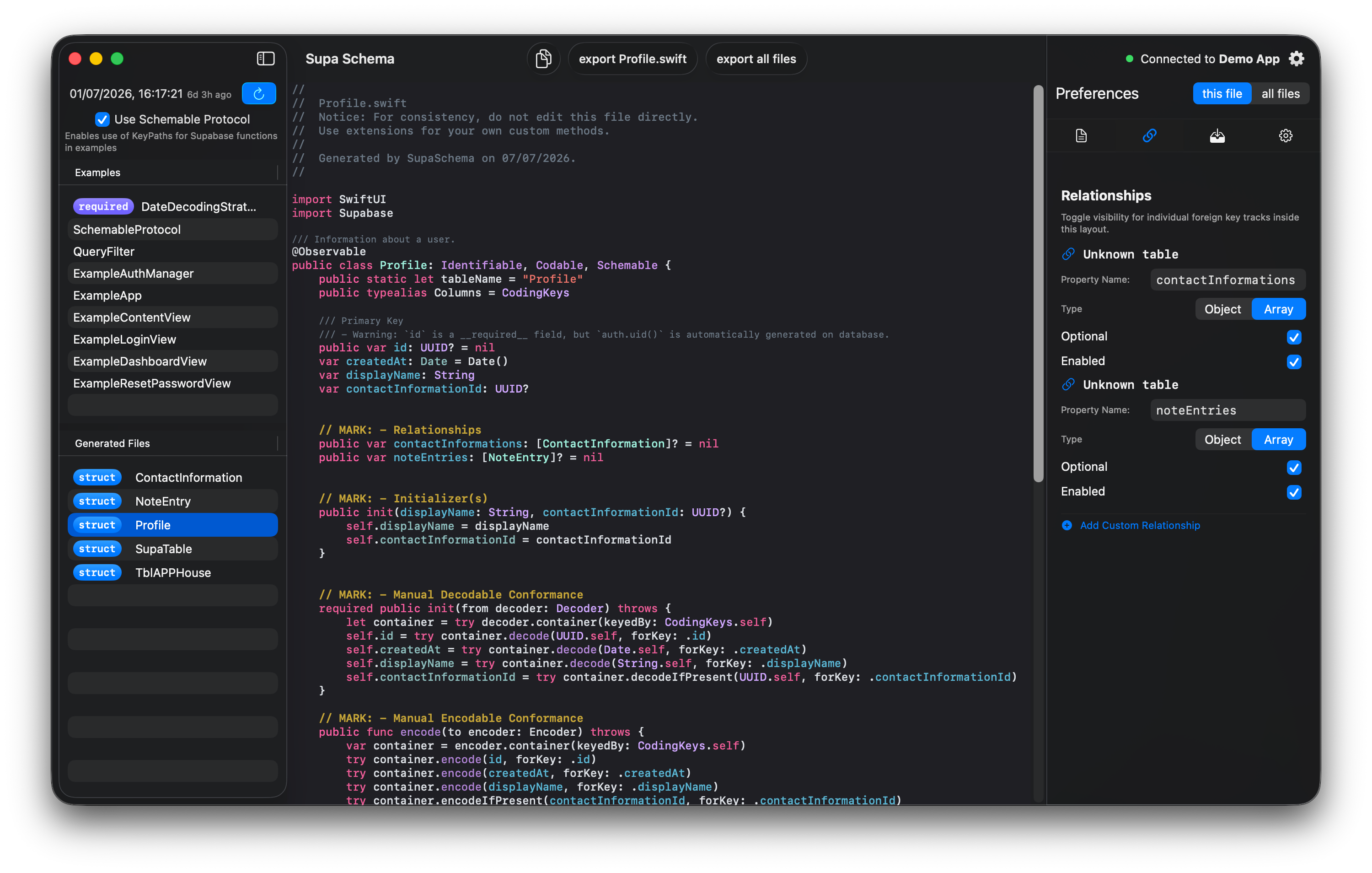
A fully dynamic, fluid layout engineered to cleanly display tables, column types, modifiers, and relationship paths. Tap gestures immediately surface raw DDL statements and specific column metadata.